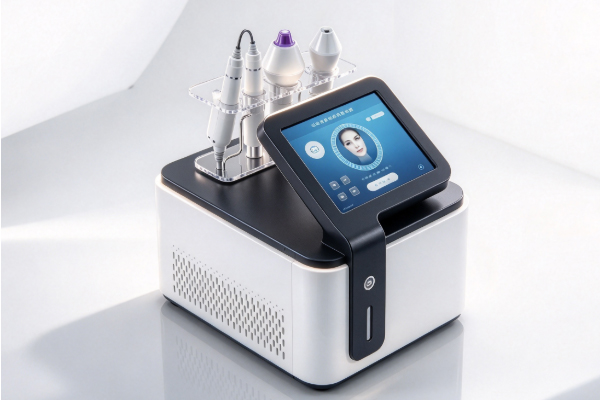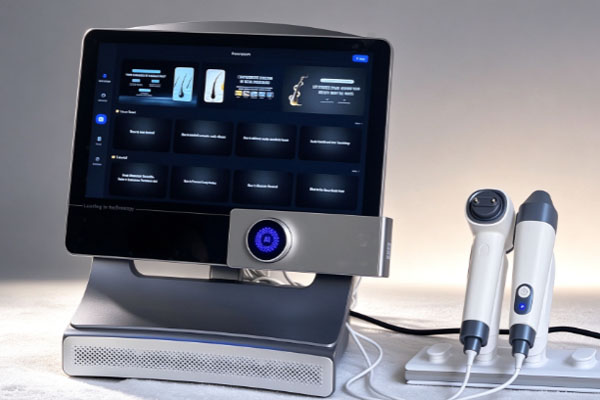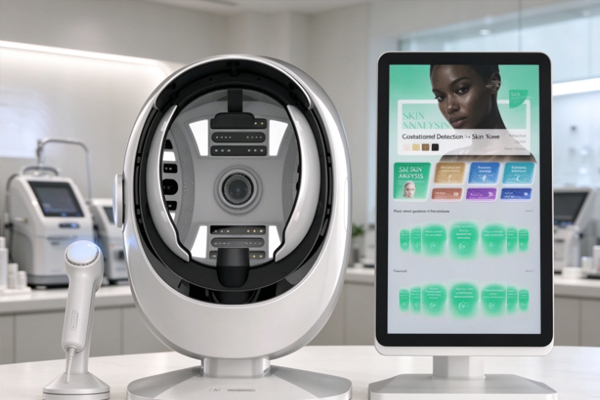
A hair analyzer is a device used to examine scalp conditions, hair follicle distribution, hair strand thickness, and the surface of the scalp. It is commonly used in beauty care institutions, scalp management centers, hair salons, and related product development settings. The device typically uses an optical lens and an image sensor to capture images of the scalp and hair, then displays the magnified images on a computer, tablet, or other terminal. During use, lens focus and image clarity directly affect observation results, so adjusting the lens correctly is an important step in obtaining clear images. Different hair analyzer models may have different lens structures, magnification levels, and focusing methods.
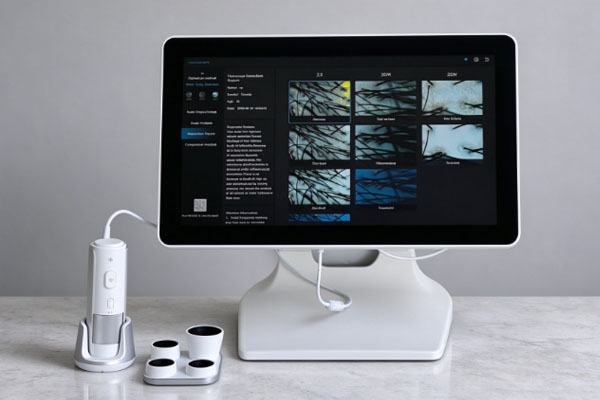
Some devices use a manually rotated lens for focusing, while others optimize images by adjusting a control knob, moving the lens, or using software controls. Certain devices also feature a fixed-focus design and require adjustments to the distance between the lens and the scalp to obtain a clear image. Before use, confirm the lens type and operating instructions to avoid damaging optical components by rotating the lens incorrectly or changing the working distance improperly. Focal length primarily refers to an optical parameter of the lens, while focusing in everyday operation usually means bringing the lens into precise focus on the area to be examined so that hair roots, pores, and scalp textures appear clearly in the image. Understanding the correct operating sequence can reduce repeated adjustments and help improve the consistency of the examination process.
Steps for Adjusting the Lens Focus of a Hair Analyzer
Lens focusing should be performed step by step according to the device structure. Before operation, keep the examination area clean and ensure that the lens surface is free of dust, fingerprints, or skin care product residue. For devices equipped with contact probes, clean and disinfect the contact components according to the manufacturer’s requirements to prevent cross-contamination.
Check the Lens and Device Condition
After turning on the hair analyzer, check whether the lens, connecting cables, display, and accompanying software are functioning properly. If the image appears blurry, contains dark shadows, or shows obvious color differences, first rule out lens contamination, abnormal lighting, and connection faults before adjusting the focus.
- Use a soft lens cleaning cloth to remove dust from the lens surface. Avoid wiping optical surfaces with rough paper towels.
- Confirm that the device has started normally, the image is displayed in real time, and the illumination is suitable for observing the scalp.
- Select a representative observation area, such as a location where hair roots are clearly visible and hair distribution is easy to distinguish, as the initial focusing area.
Adjust the Distance Between the Lens and the Scalp
Slowly move the lens to the working distance specified for the device. For fixed-focus lenses, the working distance is usually more important than lens rotation. The image is gradually brought into focus by changing the distance between the lens and the observation area. For lenses equipped with a manual focusing ring, keep the device position stable before making fine adjustments. Avoid moving the lens suddenly toward or away from the scalp during adjustment. Excessive changes in distance may cause the image to lose focus and may also shift the magnified observation area away from its original position. If the device comes with a contact protective cover or specialized positioning accessory, use it according to the product instructions. Do not press the scalp forcefully or disassemble the lens assembly without authorization.
Slowly Rotate the Focusing Ring or Focus Adjustment Knob
If the hair analyzer is equipped with a manual focusing ring, slowly rotate the focusing component on the lens while continuously observing changes in the image on the display. As the edges of hair strands, pore outlines, and scalp textures become clearer, reduce the amount of rotation and make finer adjustments.
- Start with small rotations and observe whether the image becomes clearer or blurrier.
- If image clarity decreases, slowly adjust in the opposite direction instead of rotating continuously and rapidly.
- Once the observation area appears sufficiently clear, keep the lens stable and avoid changing its position again.
Note that not all hair analyzers can be focused by rotating the lens. Some devices have fixed-focus lenses or use electronic focusing. For these products, use the specified distance adjustment method or software function instead of forcing the lens to rotate.
How to Determine Whether the Focus Is Correctly Adjusted
After completing the initial focusing process, check whether the image meets the observation requirements. Clear images help identify the visible characteristics of hair and the scalp while reducing misinterpretations caused by blurry imaging. When evaluating image clarity, examine the edges of hair strands, scalp textures, lighting uniformity, and image stability together rather than judging focus suitability solely by the visual effect of magnification.
Observe the Clarity of Hair and Hair Follicles
When the focus is accurately positioned on the target area, hair strand outlines are generally clear, and the boundaries between the hair and surrounding scalp tissue are easy to distinguish. If the follicular openings need to be examined, adjust the focus to the corresponding scalp surface rather than focusing only on longer hair strands. Different observation targets may require refocusing, so check the image clarity again whenever you switch examination areas.
Check for Interference from Lighting and Magnification
Sometimes, a blurry image is not caused entirely by incorrect focus. Excessively strong lighting may cause reflections, while insufficient lighting may make details difficult to distinguish. At high magnification, even slight hand movements can cause noticeable image shaking. Therefore, after focusing, adjust the illumination brightness as needed, keep the device stable, and confirm that the current magnification is suitable for the observation target. If the lens is properly focused but the image still shows obvious noise, abnormal colors, or locally overexposed areas, check the light source, lens cleanliness, image transmission connections, and software display settings.
Frequently Asked Questions
Q1: Why Is the Image Still Blurry Even After Rotating the Hair Analyzer Lens?
The distance between the lens and the scalp may be unsuitable, or the lens surface may be dirty. Insufficient lighting or an inappropriate magnification level may also affect image clarity. It is recommended to check the lens cleanliness first, then adjust the working distance according to the product instructions. If the device uses a fixed-focus design, rotating the lens may not change the focus, so the specified distance adjustment method should be used instead.
Q2: Why Does the Image Keep Switching Between Clear and Blurry During Focus Adjustment?
This may be caused by excessive lens movement, an unstable grip, or continuous changes in the observation distance. Keep the device in a relatively stable position and make adjustments in small increments. If the device supports a stand or positioning accessory, use it according to the product requirements to reduce image changes caused by hand movements.
Q3: Does a Hair Analyzer Need to Be Refocused Before Every Examination?
This depends on the lens type, working distance, and examination area. Devices used at a fixed position and distance may not require frequent adjustments. However, image clarity should be checked again whenever the observation target, magnification level, or lens position changes. For devices used to examine different scalp areas through direct contact, confirm that the image is correctly focused after each repositioning.
Q4: Why Are Hair Follicle Details Still Difficult to See After the Focus Has Been Correctly Adjusted?
Image clarity is also affected by lens resolution, lighting conditions, magnification, image sensor performance, and software processing capabilities. If hair strands are clear but the scalp surface remains blurry, try shifting the focus to the scalp area and check whether the lighting is causing reflections. If the device has limited optical resolution, adjusting the focus alone cannot produce more detailed images.
Correctly adjusting the lens focus of a hair analyzer requires consideration of the lens structure, working distance, lighting conditions, and observation target. For devices with manual focusing, prioritize slow rotation and fine adjustments. For fixed-focus devices, focus on controlling the distance between the lens and the scalp. For devices that support electronic focusing, complete the settings according to the instructions for the accompanying software or control panel. Focusing methods vary between products, and one operating method should not be applied directly to every model. During routine use, keep the lens clean and avoid striking, squeezing, or disassembling optical components without authorization. When adjusting the focus, first confirm that the image displays normally, then gradually refine the focus position, and finally check whether hair outlines, scalp textures, and lighting effects are clear. If the image remains consistently blurry after proper adjustment, consult the device manual and contact the manufacturer or a qualified repair professional for inspection if necessary.