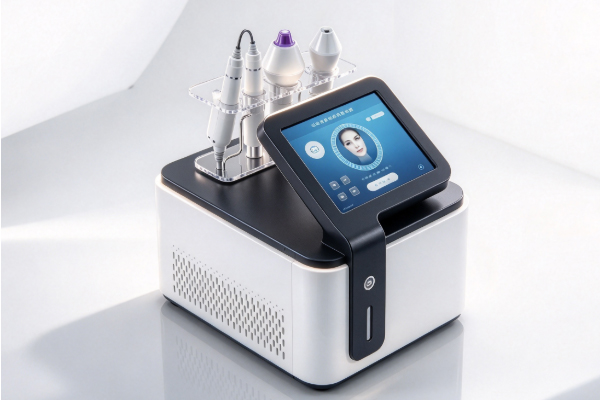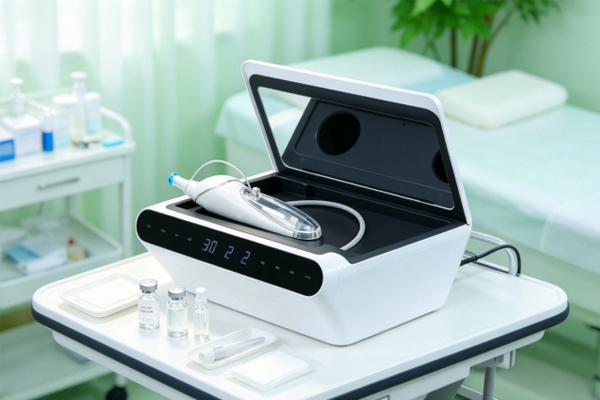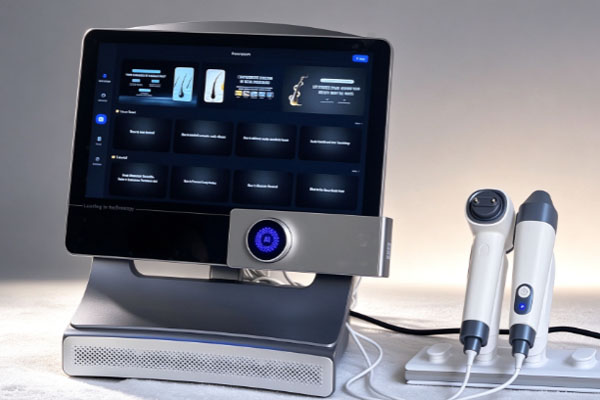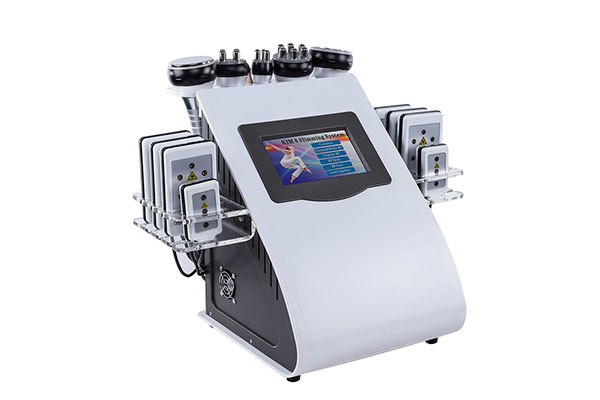
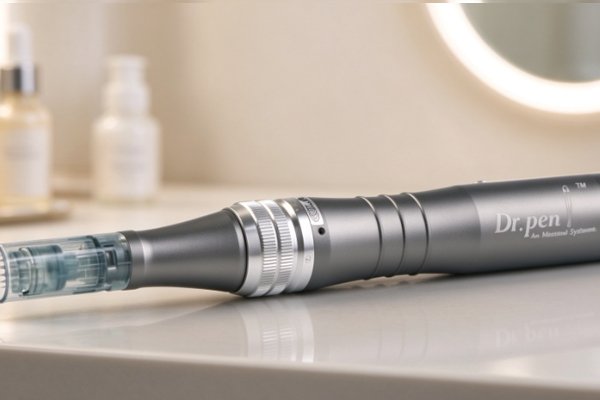
The operating condition of a microneedling pen affects workflow continuity, needle cartridge performance, and routine equipment management. Issues such as inconsistent power, loose attachments, or excessive heat may interrupt procedures and make maintenance more difficult. Keeping the device stable requires more than a basic pre-use inspection. Proper parameter settings, cleaning methods, and storage conditions are also important. Beauty clinics can establish inspection and maintenance procedures based on the device manual to identify and address irregularities promptly and reduce equipment wear caused by improper handling.
Inspect the Microneedling Pen Before Use
Pre-use inspections help operators assess the device’s condition and identify potential issues with the power supply, connections, and accessories.
Check the Power Supply and Operating Condition
A stable power supply is essential for normal microneedling pen operation. Before use, inspect the power accessories, battery level, and device exterior. Do not proceed if any obvious abnormalities are present.
- Inspect the power accessories: Check the power cord, adapter, and connection points for damage or looseness. Stop using the device if any issues are found.
- Check the battery level: Charge wireless models according to the instructions to prevent insufficient power from interrupting operation.
- Observe startup performance: After switching on the device, watch for unusual noise, noticeable vibration, or interruptions during operation.
Completing these basic checks helps operators identify potential issues early and reduces the likelihood of unexpected shutdowns during use.
Confirm Correct Needle Cartridge Installation
The needle cartridge must be compatible with the device model and installed according to the specified procedure to reduce the risk of unstable connections or cartridge detachment.
- Verify cartridge compatibility: Use a needle cartridge designed for the specific device model, and avoid mixing incompatible specifications.
- Confirm proper installation: Follow the instructions to secure the cartridge. Do not force it into place, squeeze it, or twist the connection point excessively.
- Check packaging condition: Before using a sterile, single-use needle cartridge, confirm that the packaging is intact and check the expiration date. Do not use cartridges with damaged packaging or other irregularities.
Using compatible accessories, installing them correctly, and checking packaging integrity helps prevent problems caused by improper cartridge connections.
Maintain Stable Operation During Use
During operation, pay attention to parameter settings, equipment load, and changes in performance to prevent improper handling from affecting device stability.
Set Operating Parameters According to the Instructions
Operating speed, needle depth, and application technique should comply with the specific device manual and applicable operating requirements. Adjusting settings beyond the permitted range may increase the operating load or create safety risks.
- Set parameters appropriately: Adjust settings within the device’s permitted range, and do not increase operating intensity without authorization.
- Avoid excessive pressure: Use the device as instructed. Do not press forcefully on the body or needle cartridge to alter its performance.
- Watch for abnormal changes: If the device runs unevenly, produces unusual noise, overheats, or stops frequently, discontinue use and investigate the cause.
Following the specified parameter limits and responding promptly to irregularities helps reduce unnecessary strain on the device.
Protect the Device Body and Connection Points
Pulling the power cord, dropping the device, or allowing liquid to enter the housing may affect the proper functioning of its components. For corded models, avoid tangling, compressing, or suddenly pulling the cable. For wireless models, take care to prevent drops and impacts. Keep the operating environment within the conditions specified in the manual, and prevent liquid from contacting the device’s interfaces. If the housing is damaged, liquid enters the device, or unusual overheating occurs, stop using the equipment and seek professional inspection.Reducing physical impacts and preventing inappropriate contact with liquids helps lower the risk of damage to the housing and connection points.
Follow Proper Cleaning and Routine Maintenance Procedures
Proper cleaning and regular inspections help operators identify equipment issues and reduce the risk of damage caused by inappropriate maintenance.
Clean the Device Surface as Instructed
Cleaning requirements may differ between components. The device body and single-use needle cartridges should be handled separately rather than subjected to the same cleaning procedure.
- Switch off the device before cleaning: Turn it off according to the manual and disconnect the power supply when necessary.
- Use suitable cleaning products: Only use cleaning or disinfecting products permitted by the device instructions. Prevent liquid from entering interfaces and electrical components.
- Avoid improper treatment: Do not immerse the entire device in liquid or use solvents that have not been approved for the equipment.
Following the cleaning requirements for each component helps prevent damage caused by inappropriate maintenance methods.
Keep Regular Inspection and Maintenance Records
Routine inspections help track the device’s condition, identify recurring problems, and determine when corrective action is needed.
- Record irregularities: Document operating interruptions, unusual noise, charging issues, and repairs to support subsequent troubleshooting.
- Inspect key components: Check the housing, cable, interfaces, and needle cartridge connection points. Address any damage promptly.
- Arrange professional maintenance: Schedule inspections according to the manual and actual usage. Repairs involving internal circuits, motors, or batteries should be handled by qualified personnel.
Maintaining records and following an appropriate service schedule helps identify early signs of failure before problems accumulate.
Extend Service Life Through Proper Storage and Management
Storage conditions and equipment management during periods of non-use can also affect the device’s condition, so clinics should include them in their routine procedures.
Provide a Suitable Storage Environment
When not in use, the microneedling pen should be kept in an environment that meets the requirements in the device manual. Excessive heat, moisture, dust, and external pressure may affect its condition.Store the device in a clean, dry location, away from prolonged direct sunlight and heavy objects. For wireless models, follow the manufacturer’s instructions for charging and battery storage. If the device will remain unused for an extended period, refer to the relevant storage guidance.Suitable storage conditions help reduce environmental wear and preserve the device’s operating condition.
Establish Operating and Fault-Handling Procedures
Consistent operating procedures help reduce equipment management issues caused by different user habits and make it easier to respond appropriately when problems arise. Operators should understand the basic operating steps, cleaning requirements, and conditions that require the device to be taken out of service. If abnormal operation, overheating, charging faults, or component damage occurs, stop using the device and contact qualified personnel. Do not disassemble or modify the equipment yourself. Clinics should also assign clear responsibilities for routine inspections, maintenance records, and fault reporting.
Keeping a microneedling pen stable requires consistent pre-use inspections, proper operation, appropriate cleaning, routine maintenance, and correct storage. Beauty clinics selecting equipment should also review model compatibility, accessory requirements, maintenance procedures, and after-sales support to ensure the device can be managed according to their operational needs. Guangzhou Cosnext Technology Co., Ltd. provides beauty equipment products to support clinics in evaluating equipment configurations and usage requirements.