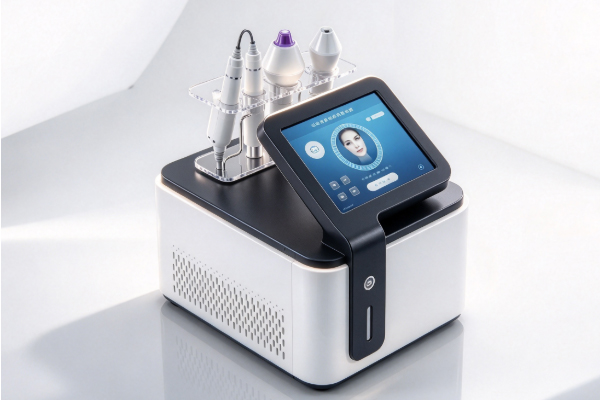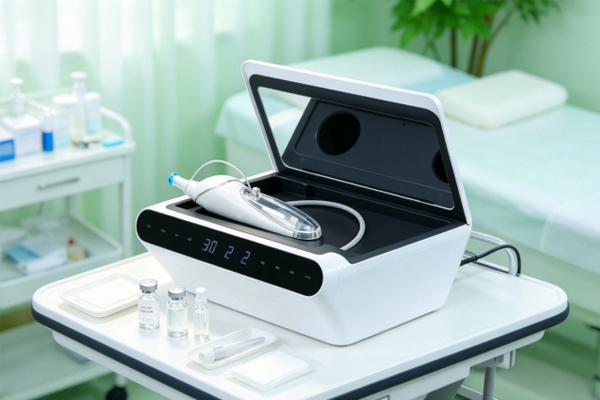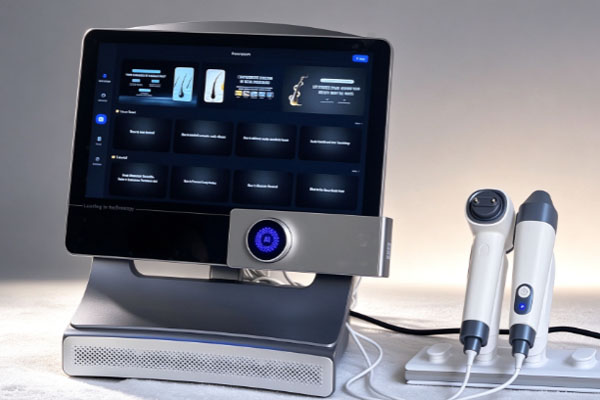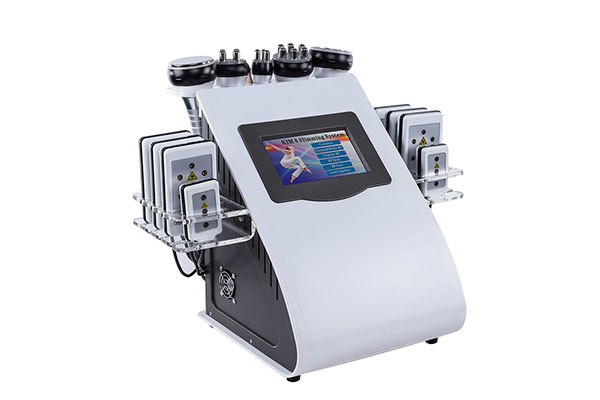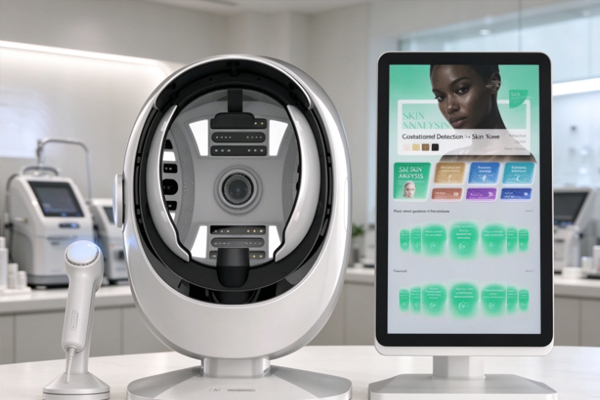
A hair analysis device is an examination tool used to observe the scalp surface, follicular openings, and hair condition. It is commonly found in beauty salons, scalp care centers, and professional hair management facilities. The device typically uses optical magnification and high-definition imaging technology to display local scalp details on a screen, helping operators observe visible features such as follicular openings, oil deposits, keratin distribution, and hair thickness. During actual examinations, the distance between the lens and the scalp affects image clarity, the field of view, and shooting stability. Therefore, this distance needs to be controlled appropriately according to the device’s design and operating instructions.
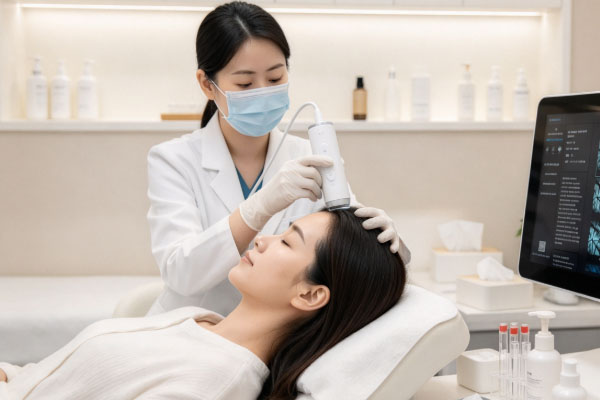
There is no single examination distance suitable for all hair analysis device models. Some devices use contact probes that require the protective structure at the front of the lens to be gently placed against the scalp. Others use non-contact imaging and require focusing within a specified working distance. If the lens is too far away, scalp details may not appear clearly. If it is too close, the image may become blurry due to focus misalignment, and the field of view may become smaller. For devices equipped with contact protective covers, attention should also be paid to contact pressure and hygiene requirements to avoid compressing the scalp or causing unnecessary discomfort.
Basic Principles for Controlling the Lens-to-Scalp Distance of a Hair Analysis Device
The distance between the lens and the scalp mainly depends on the device’s imaging method and lens structure. Operators should first confirm whether the device is contact-based or non-contact, then adjust the distance according to the working distance specified in the user manual. Operating parameters from other models should not be applied directly.
Determine the Working Distance According to the Lens Type
Contact-based hair analysis devices usually have a protective cover or contact component at the front of the probe. During operation, the probe should gently touch the scalp as required by the device instructions, without applying excessive pressure. Non-contact devices require a certain distance to be maintained, with the lens position adjusted until the scalp image falls within the clear focal plane.
Contact probe: Confirm that the protective component is installed correctly. Keep the probe stable when it touches the scalp, and do not press hard.
Non-contact lens: Start with the working distance specified in the user manual, then slowly adjust the probe position while observing changes in the image.
Adjustable-focus device: Keep the probe relatively stable first, then adjust the focus or working distance according to image clarity. Avoid making large movements while adjusting multiple settings simultaneously.
Adjust the Distance According to Magnification
Different magnification levels may correspond to different ranges of clear imaging. Lower magnification is generally suitable for observing a larger area of the scalp surface, while higher magnification is better for examining details around follicular openings and hair roots. However, higher magnification usually requires greater focusing accuracy and operational stability. If the image becomes blurry after changing the magnification, readjust the focus or probe position according to the device design. A shorter lens-to-scalp distance does not necessarily produce a clearer image. Only when focusing is completed within the appropriate working distance can the device provide scalp images with practical reference value.
Practical Steps for Adjusting the Lens-to-Scalp Distance of a Hair Analysis Device
During scalp examinations, distance control should be coordinated with probe positioning, lighting adjustments, and image verification. A reasonable operating sequence can reduce repeated probe movements, particularly when examining follicular openings, dandruff deposits, and hair root conditions, helping improve image stability.
Select the Examination Area and Stabilize the Probe Position
Before the examination, gently part the hair to expose the scalp area to be observed. When selecting the location, try to avoid areas obstructed by hair strands or affected by obvious reflections, and keep the probe relatively stable. For non-contact devices, position the lens near the distance recommended in the user manual, then gradually move it closer to or farther from the scalp while observing whether the image becomes clearer. For contact-based devices, follow the specified contact procedure and do not apply additional pressure simply to obtain a larger image.
Focus Using the Real-Time Image
When adjusting the distance, observe whether the scalp texture, follicular openings, and hair root contours on the screen are clear. If the image appears generally blurry, local details are missing, or the edges are out of focus, make small adjustments to the probe position and assess the image again after it stabilizes.
Clear image: Follicular openings and surrounding skin texture are distinguishable, and there is no obvious image shaking.
Blurry image: Check the working distance, focus settings, and probe stability. Refocus if necessary.
Obvious reflections: Check the light source direction, sebum reflections on the scalp, and probe angle. Do not try to solve the problem solely by shortening the distance.
If the device has an autofocus function, wait until focusing is complete before capturing images. If autofocus cannot operate stably, check lens cleanliness and working distance according to the device instructions.
Common Factors Affecting Lens Distance Control
Even when using the same hair analysis device, the probe position may need slight adjustments when examining different scalp areas. Hair density, scalp curvature, lighting conditions, and lens structure can all affect imaging performance. Therefore, operators should make adjustments based on the actual image rather than judging image quality solely by a fixed distance value.
Scalp Curvature and Hair Obstruction
The scalp contours at the crown, hairline, and occipital region are not exactly the same, so the probe angle may also vary. If the lens is not aligned with the area being examined, parts of the image may remain blurry even when the distance meets the device’s requirements. During examination, first move obstructing hair strands aside, then align the lens as closely as possible with the target area. In areas with more pronounced curvature, the angle can be adjusted slightly according to the device structure. However, avoid excessive tilting, which may cause the edges of the image to fall out of focus.
Lens Cleanliness and Lighting Conditions
Fingerprints, oil, or dust on the lens surface may reduce image clarity, leading operators to mistakenly believe that the distance between the lens and the scalp is unsuitable. Excessively strong lighting may also cause local reflections that obscure details around pores and hair roots. Therefore, clean the lens and contact components according to the manufacturer’s instructions before examination, and check the lighting settings. If clear images cannot be obtained despite repeated distance adjustments, first investigate lens contamination, light reflections, and device settings rather than continuously moving the probe closer to the scalp.
Frequently Asked Questions
Q1: What Is the Ideal Distance Between a Hair Analysis Device Lens and the Scalp?
Answer: Follow the working distance specified in the device’s user manual. Different models have different focal lengths, magnification levels, and probe structures, so a single fixed distance in millimeters cannot be applied to all devices. Contact probes and non-contact lenses also require different operating methods.
Q2: Does Moving the Lens Closer to the Scalp Always Produce a Clearer Image?
Answer: Not necessarily. If the lens is too close, it may fall outside the device’s focusing range, resulting in a blurry image or a smaller field of view. Gradually adjust the distance while observing the real-time image until the target area appears clear.
Q3: Why Is the Scalp Image Still Blurry After Adjusting the Distance?
Answer: Possible causes include incorrect focus settings, probe movement, lens contamination, light reflections, or hair obstruction. Check the lens and lighting first, then verify the working distance and focus settings. If the device supports autofocus, wait for the adjustment to finish. If the image remains unclear, carry out further checks according to the device maintenance guidelines.
Q4: Can the Lens Touch the Scalp Directly During Examination?
Answer: Direct contact should only be used when the device explicitly supports contact-based examination, and the specified operating procedure must be followed. Non-contact lenses should not be placed against or pressed onto the scalp arbitrarily. Contact probes should use the required protective components and be cleaned and disinfected according to the device’s hygiene procedures to prevent cross-contamination or scalp irritation.
The distance between a hair analysis device lens and the scalp should be controlled according to the device type, focal range, and magnification level. Contact-based devices require attention to probe contact methods and pressure, while non-contact devices must maintain the specified working distance and use real-time images to complete focusing. When comparing scalp images of the same individual taken at different times, keep the examination location, magnification, working distance, and lighting conditions as consistent as possible, and record the necessary operating information. Proper control of lens distance and imaging conditions helps display visible features such as follicular openings, scalp texture, and the areas around hair roots more clearly, providing reliable image references for scalp observation and care assessment.